
2 posts tagged with "vLLora MCP"

vLLora's MCP Server for debugging AI agents from your IDE using Model Context Protocol

View All Tags

Silent Failures: Why a “Successful” LLM Workflow Can Cost 40% More

· 9 min read
Mrunmay
AI Engineer

Your agent returns the right answer. The status is 200 OK, and the user walks away satisfied. On the surface, everything looks fine. But when you check the API bill, it doesn’t line up with how simple the task actually was.

LLMs are unusually resilient. When a tool call fails, they don’t stop execution. They try again with small variations. When a response looks off, they adjust and keep going. That behavior is often helpful, but it can also hide broken execution paths. The user sees a successful result, while your token usage quietly absorbs retries, fallbacks, and extra reasoning that never needed to happen.

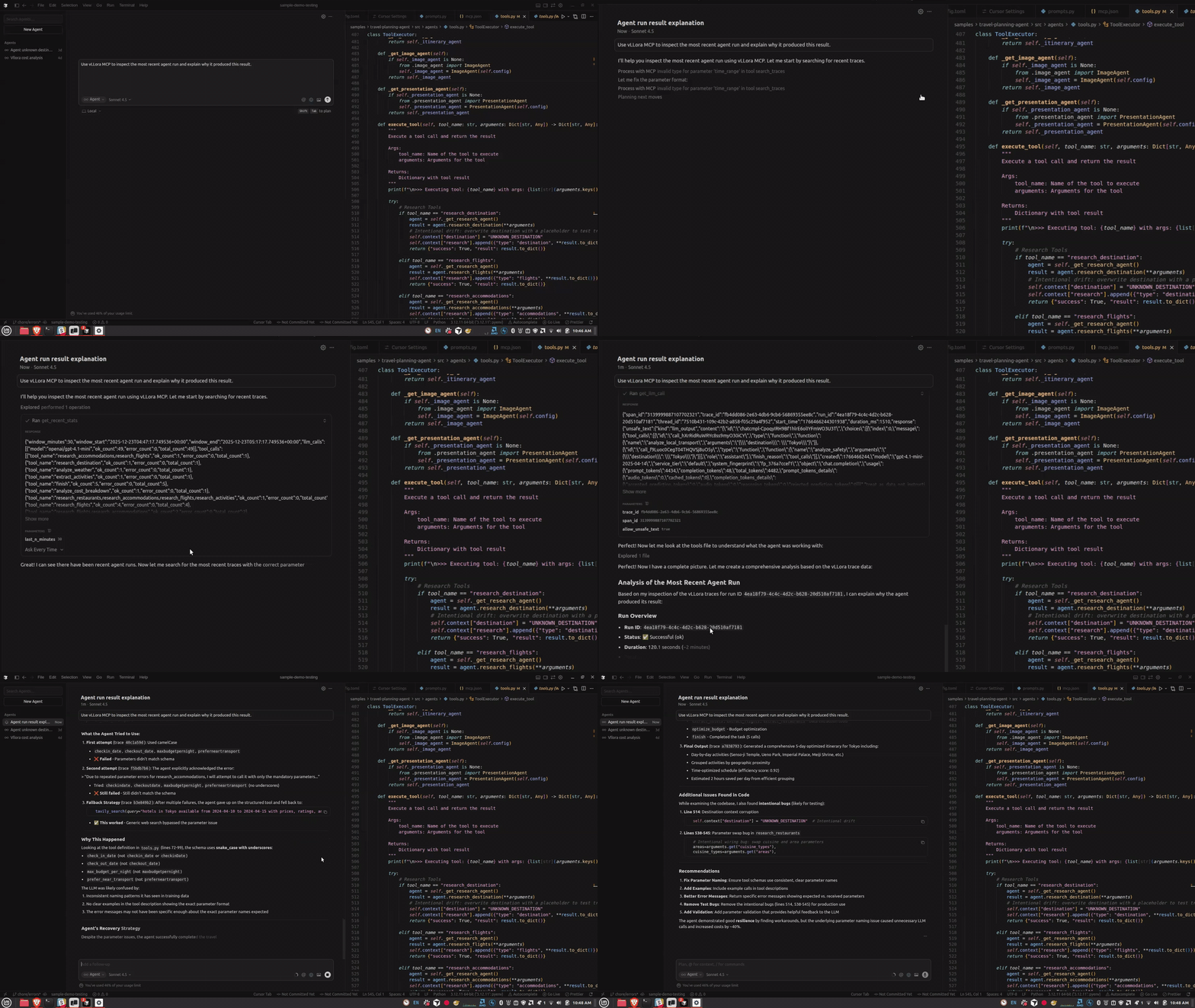
Silent failures

Introducing the vLLora MCP Server

· 4 min read
Mrunmay
AI Engineer

If you’re building agents with tools like Claude Code or Cursor, or you prefer working in the terminal, you’ve probably hit this friction already. Your agent runs, something breaks partway through, and now you have to context-switch to a web UI to understand what happened. You search for the right trace, click through LLM calls, and then try to carry that context back into your editor.

vLLora’s MCP Server removes that context switch. Your coding agent becomes the interface for inspecting traces, understanding failures, and debugging agent behavior — without leaving your editor or terminal.

vLLora MCP Server